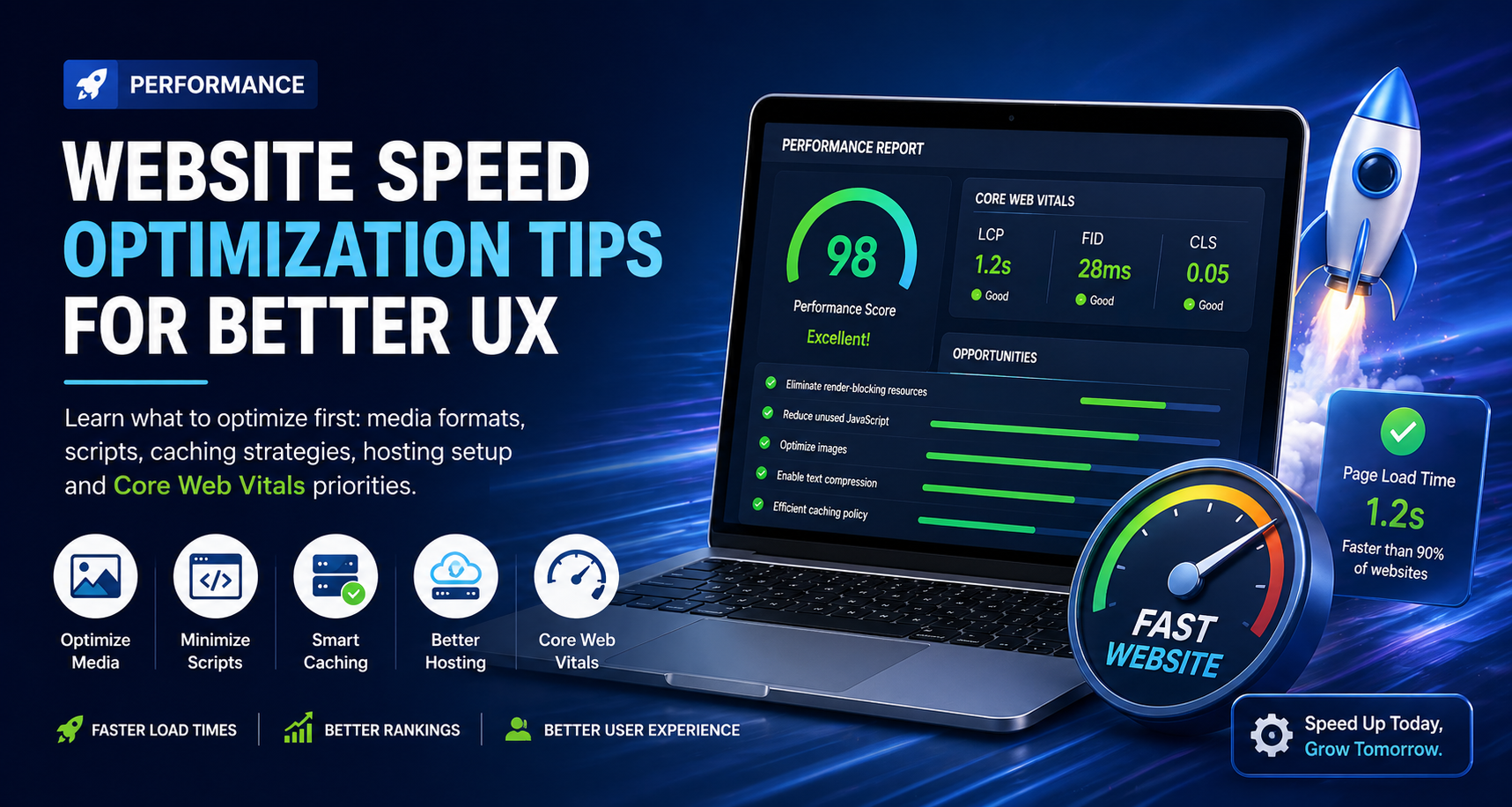
Website speed is no longer just a technical metric, it is a direct driver of user experience, conversions, and search rankings. A slow website frustrates users, increases bounce rates, and ultimately costs you revenue.
If you want better UX and higher performance, here is what you should prioritize first.
1. Optimize Media Files (Biggest Impact First)
Heavy images and videos are the #1 cause of slow websites.
Common Issues:
- Large image sizes (2MB+)
- Wrong formats (JPEG/PNG instead of modern formats)
- No lazy loading
Fix:
- Use next-gen formats like WebP or AVIF
- Compress images without losing quality
- Enable lazy loading for images and videos
2. Minimize and Defer JavaScript
Too many scripts = slower load times.
Problems:
- Unused JavaScript
- Blocking scripts in the head
- Third-party scripts (ads, trackers)
Fix:
- Remove unused JS files
- Use
deferorasyncloading - Load critical scripts first
3. Implement Smart Caching
Caching reduces server load and speeds up repeat visits.
Types of Caching:
- Browser caching
- Server-side caching
- CDN caching
Fix:
- Set proper cache headers
- Use tools like Cloudflare or other CDNs
- Enable page caching for dynamic sites
4. Choose the Right Hosting Setup
Your hosting directly affects performance.
Avoid:
- Cheap shared hosting with slow response times
Use:
- VPS or cloud hosting
- Fast server locations near your users
- LiteSpeed or NGINX servers
5. Improve Core Web Vitals
Core Web Vitals are critical ranking and UX signals.
Key Metrics:
- LCP (Largest Contentful Paint): Loading speed
- FID (First Input Delay): Interactivity
- CLS (Cumulative Layout Shift): Visual stability
Fix:
- Optimize above-the-fold content
- Reduce layout shifts
- Improve server response time
6. Use a Content Delivery Network (CDN)
A CDN distributes your content globally for faster delivery.
Benefits:
- Faster load times worldwide
- Reduced server load
- Better uptime
Popular Options:
- Cloudflare
- AWS CloudFront
7. Reduce HTTP Requests
Every file request adds load time.
Common Mistakes:
- Too many CSS/JS files
- Multiple font files
- Excess plugins
Fix:
- Combine CSS/JS files
- Use system fonts or limit font variants
- Remove unnecessary plugins
8. Enable Compression (Gzip / Brotli)
Compression reduces file size before sending to users.
Fix:
- Enable Gzip or Brotli on your server
- Compress HTML, CSS, and JS files
9. Prioritize Above-the-Fold Content
Load what users see first, everything else can wait.
Fix:
- Inline critical CSS
- Delay non-essential resources
- Use lazy loading for below-the-fold elements
10. Monitor and Test Regularly
Optimization is not a one-time task.
Use Tools:
- Google PageSpeed Insights
- GTmetrix
- Lighthouse
Track:
- Load time
- Performance score
- Core Web Vitals
Final Thoughts
Website speed optimization is about prioritization, not doing everything at once.
Start with:
- Media optimization
- Script management
- Hosting & caching
These alone can drastically improve your website performance and user experience.
A faster website means:
- Better rankings
- Higher conversions
- Happier users